
How to Set Up a Customer Facing Screen (CFS) in PushPOS
Steps:
-
Open Back Office and log in as Admin.
-
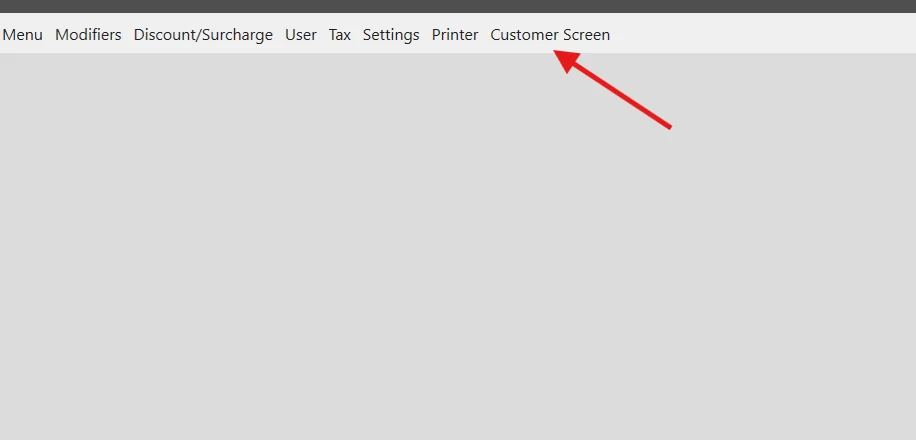
Click the Customer Screen tab.
-
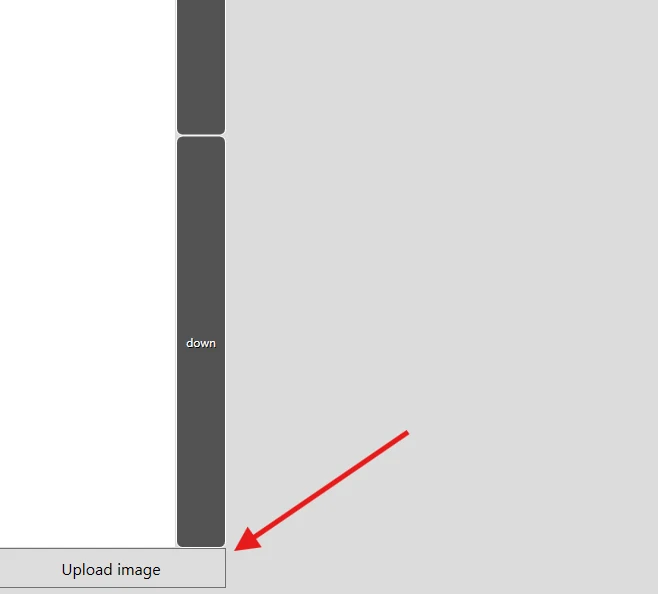
In the lower-left corner, click Upload Image.
-
Select the image file to upload.
- File format: .jpg
- Recommended size: 1280 x 800 pixels (or match your CFS screen resolution).
-
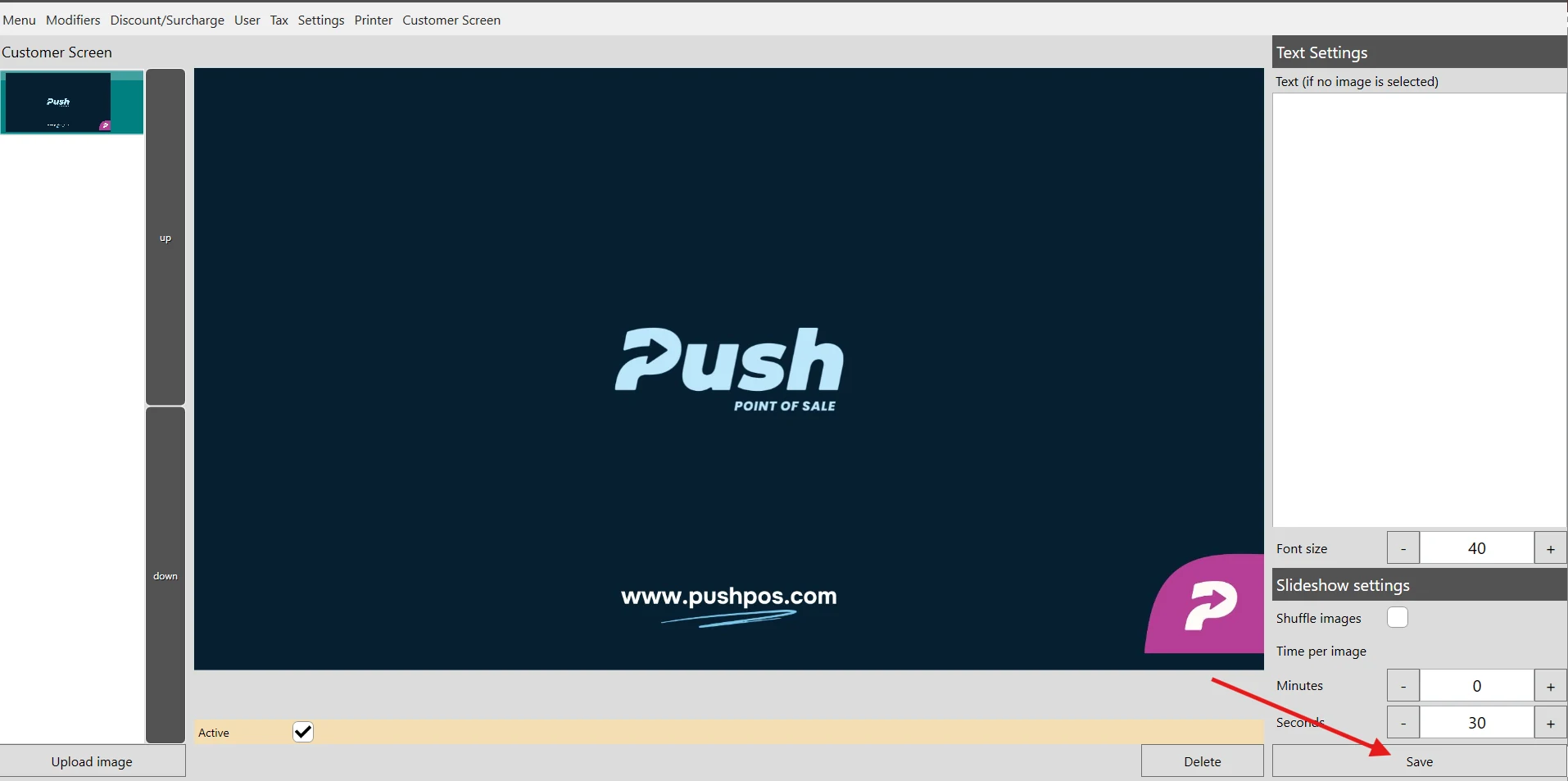
Once the image is uploaded, click Save to apply changes.
Note:
- You can upload multiple images. Do the same procedure on adding the images.
- For multiple images, you can configure Slideshow settings to adjust images automatically.